Mobile editing for everyday creators
EasyCut - Video Editor & Maker is a mobile video editor for people who want to turn clips into finished videos without using desktop software. It suits short-form creators, social media users, and anyone making personal videos, thumbnails, profile images, or simple collages. The app combines video editing with photo and collage tools, so these jobs can be handled in one place.
Tools for building a video
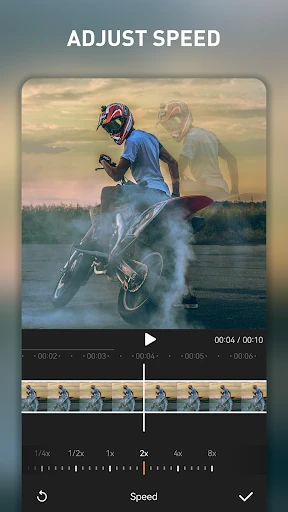
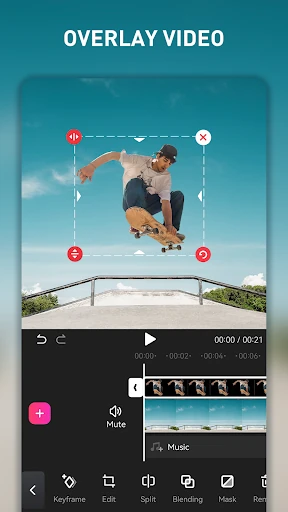
EasyCut covers the main steps of mobile editing. You can trim and merge clips, arrange footage on a timeline, add text, apply filters, and use transitions or animated graphics. Speed controls support slow-motion and time-lapse effects, while compression helps reduce the size of finished videos when storage or sharing limits matter.
- Trim and join video clips with timeline controls
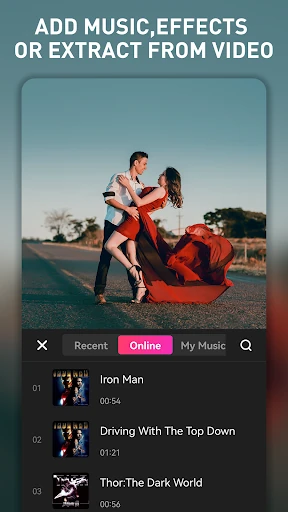
- Add music from the built-in audio library or extract audio from existing videos
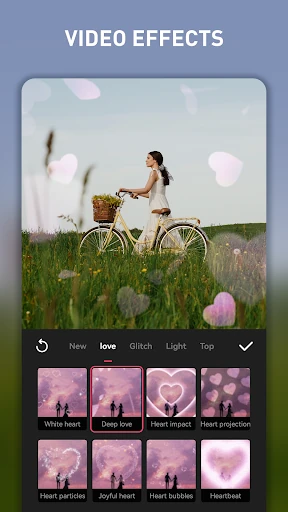
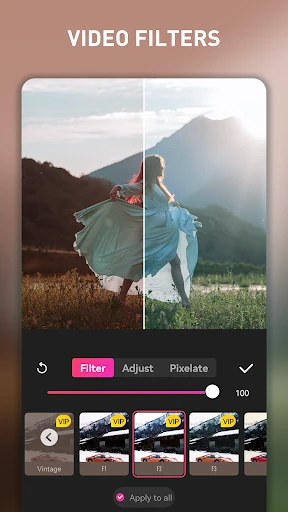
- Use filters, transitions, text, and animated elements
- Adjust playback speed for slower or faster sequences
- Create photo edits and collage layouts alongside video projects
Who built it and how it is rated
The app is published by Great Talent Video Inc. Video Editor App and is listed in the Video Players & Editors category. Its rating is 4.52 out of 5 from more than 430,000 reviews, with 50,000,000+ installs. Those figures place it among the more widely used choices for editing video on Android.
A practical choice for quick projects
EasyCut is aimed at users who want a broad set of creative controls without a steep learning curve. It is a sensible fit for quick social posts, montage videos, image grids, and basic audio-led edits. Users looking for advanced desktop-style production workflows may need more specialized software, but for everyday phone-based editing, the app brings several common tools into one workspace.