Move your data to a Galaxy phone
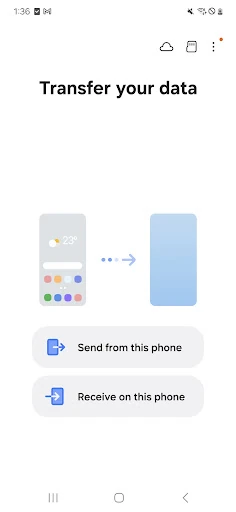
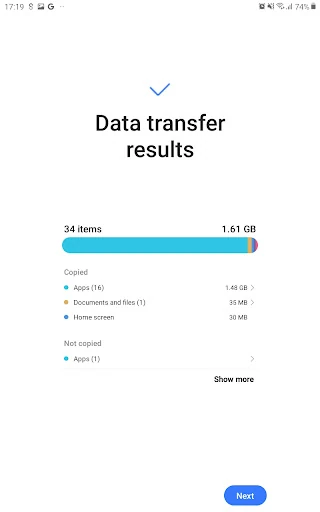
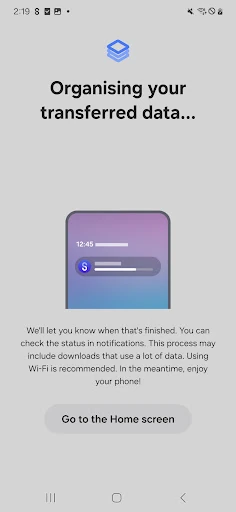
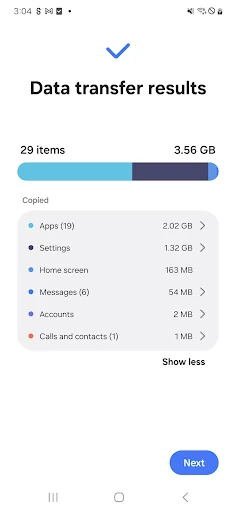
Samsung Smart Switch Mobile helps people transfer personal data when changing phones, especially when moving to a Samsung Galaxy device. It is suited to users who want to carry over more than contacts and photos, including messages, call history, alarms, Wi-Fi details, apps and selected device settings.
Useful for different starting points
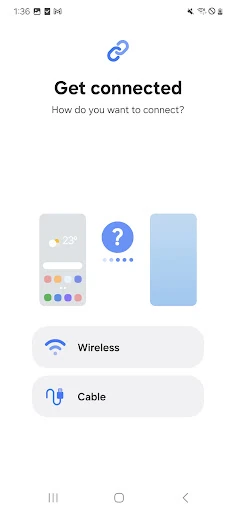
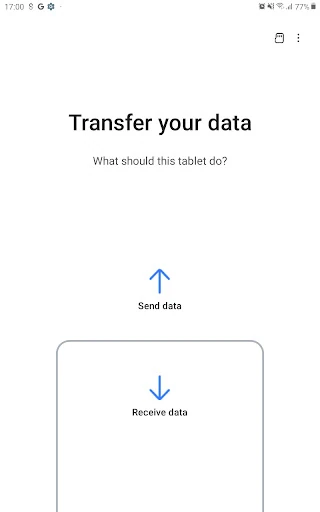
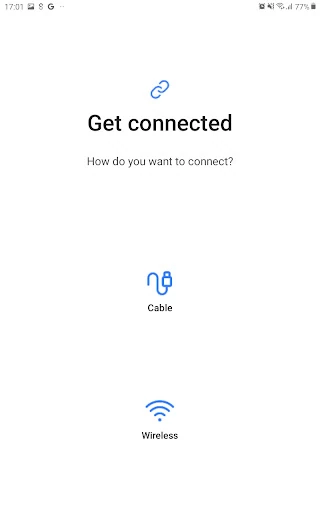
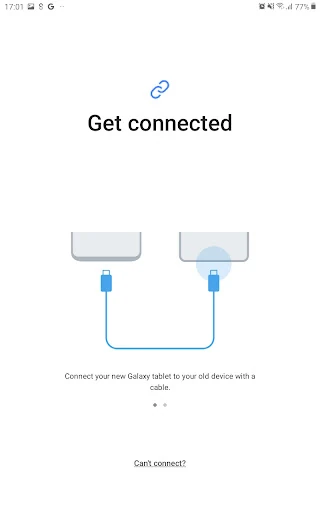
The app can work with data from another Android phone or an iPhone, making it relevant for both Samsung upgrades and moves between mobile platforms. Depending on the devices involved, transfers can use a cable or a direct wireless connection. PC and Mac backups are also supported for users who prefer to move data through a computer.
For iPhone users, Smart Switch can help bring compatible information into a Galaxy setup. When an equivalent app is not available on the new platform, it can also point users toward matching applications from Google Play. The exact data that transfers depends on the source device, operating system and connection method.
What to expect from the app
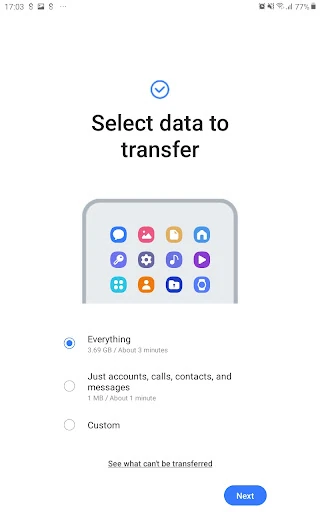
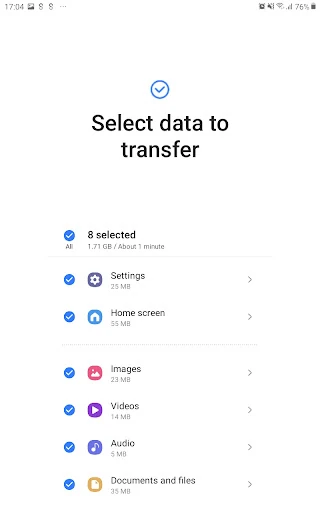
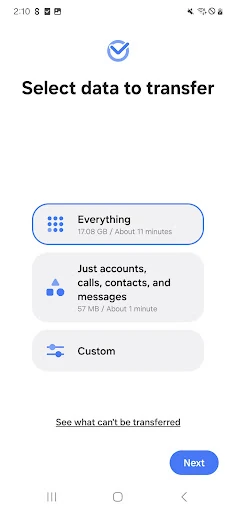
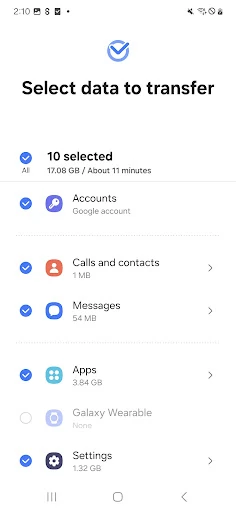
Samsung Electronics Co., Ltd. presents Smart Switch as a guided utility rather than a general file manager. Its main purpose is to make a phone change more orderly, with options to choose what should be moved instead of treating every item as a single bundle. This makes it a practical stop for people preparing a new Galaxy phone or restoring familiar settings after a change.
Ratings and reach
Smart Switch Mobile is listed in the Tools category and has more than 1,000,000,000 installs. Its rating is 3.85 out of 5 from 495,272 reviews. Those figures show broad use, while the review count gives prospective users a sizeable base of feedback to consider before relying on it for a device transfer.