Advertisement
Click to download now, finish the installation quickly, and directly unlock the all-round experience
Advertisement
Screenshots
Click to download now, finish the installation quickly, and directly unlock the all-round experience
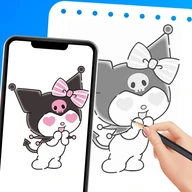
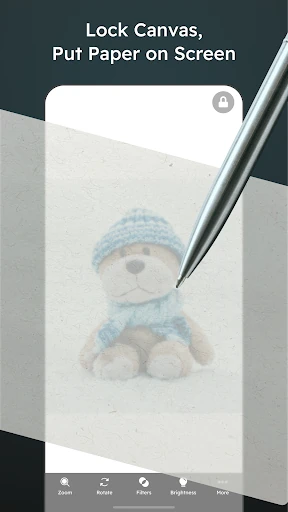
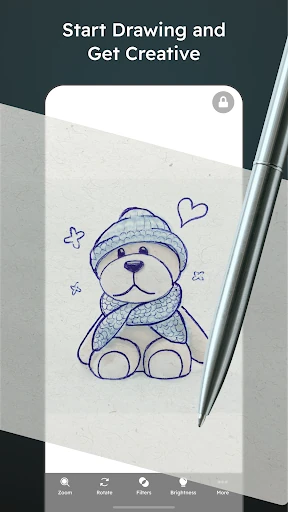
Papercopy - Tracer helps you copy a digital image onto paper by displaying the reference on your phone or tablet. Place a sheet over the screen, adjust the image to suit your drawing area, and use the display as a guide while sketching. It is suited to artists, students, hobbyists, and anyone who prefers working with pencil and paper but needs a digital reference.
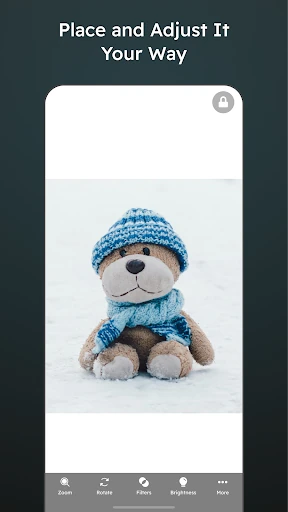
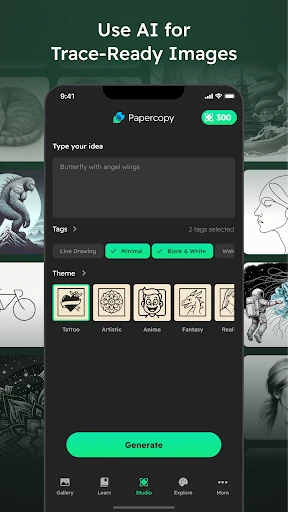
The app lets you zoom, rotate, and move an image so its position and scale are easier to match to the paper. Image adjustments can also make outlines clearer beneath the sheet. This makes it useful for transferring shapes, layouts, and simple illustrations without first printing the source image.
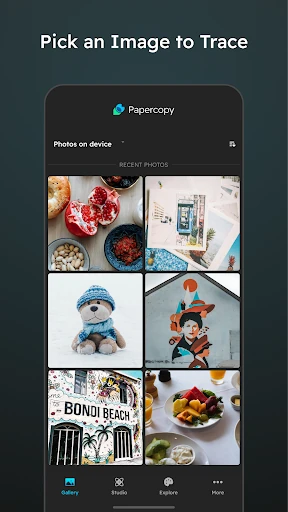
A screen-freeze function keeps the displayed image from shifting when your hand or drawing tool touches the device. That gives you a more stable surface for tracing and reduces accidental changes while you work. The approach is straightforward: open an image, set its position, adjust visibility, then lock the display.
With a 4.45 rating from 6,381 reviews and 1,000,000+ installs, Papercopy - Tracer has established a broad user base in the Art & Design category. It is developed by Durica Micunovic. The main limitation is the physical size of the device, which makes the app better suited to small and medium tracing projects than large-format work.